2024-10-18|Tutorial
Follow these steps to set up the Q button on your QooCam 3 Ultra;
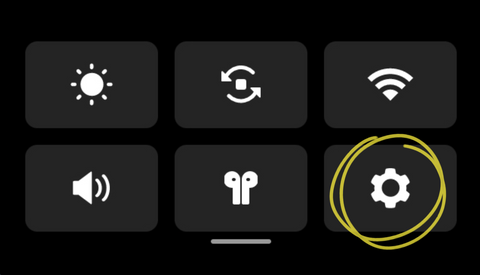
1.Access the 【Settings】
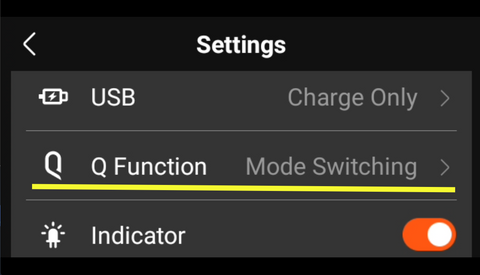
2.Access the 【Q Function】
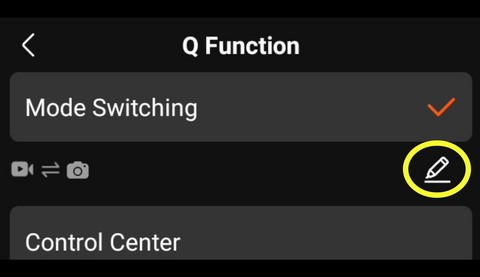
3. Press the【Edit】icon below 【Mode Switching】
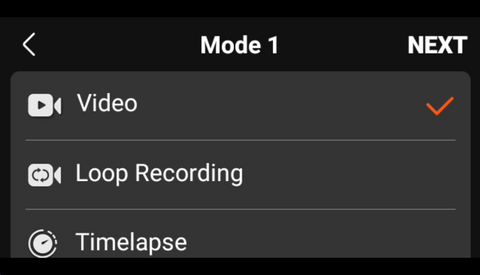
4. Select the first common shooting mode and then press 【Next】
5. Select the second common shooting mode and then press 【OK】
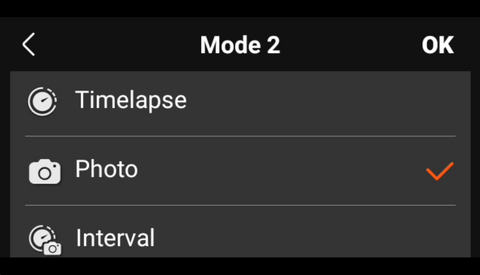
Now you can switch quickly between common shooting modes by pressing the Q button.
(If you have any questions or need further assistance, please contact our service team at service@kandaovr.com)



