2023-05-26|News
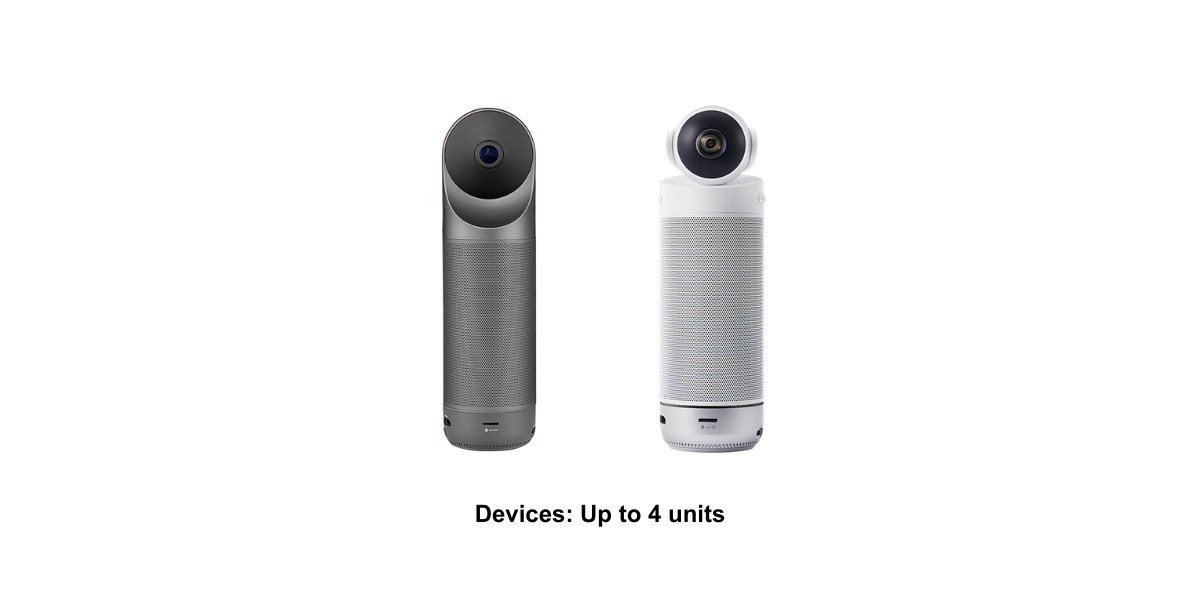
2- 4 units of Meeting S or Meeting Pro devices
Firmware version requirements of Meeting S: V4.0 or above.
Firmware version requirements of Meeting Pro: V34 or above.
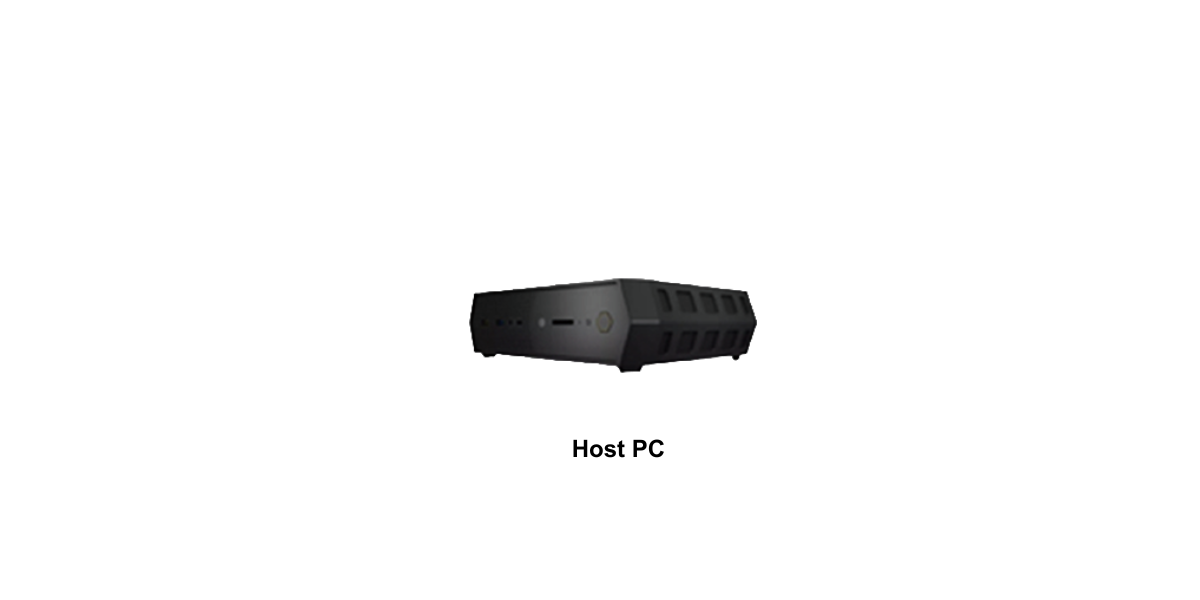
| System Requirements | |
| Operating System |
Windows 10 64-bit、Windows 11 64-bit |
|
Processor |
Intel i5 11th Gen or higher-specification processor |
|
Memory |
8GB of RAM or more |
|
GPU |
Intel® UHD Graphics 750 or higher- specification graphics card |
|
Network |
Ethernet |
|
Storage |
128G or more |
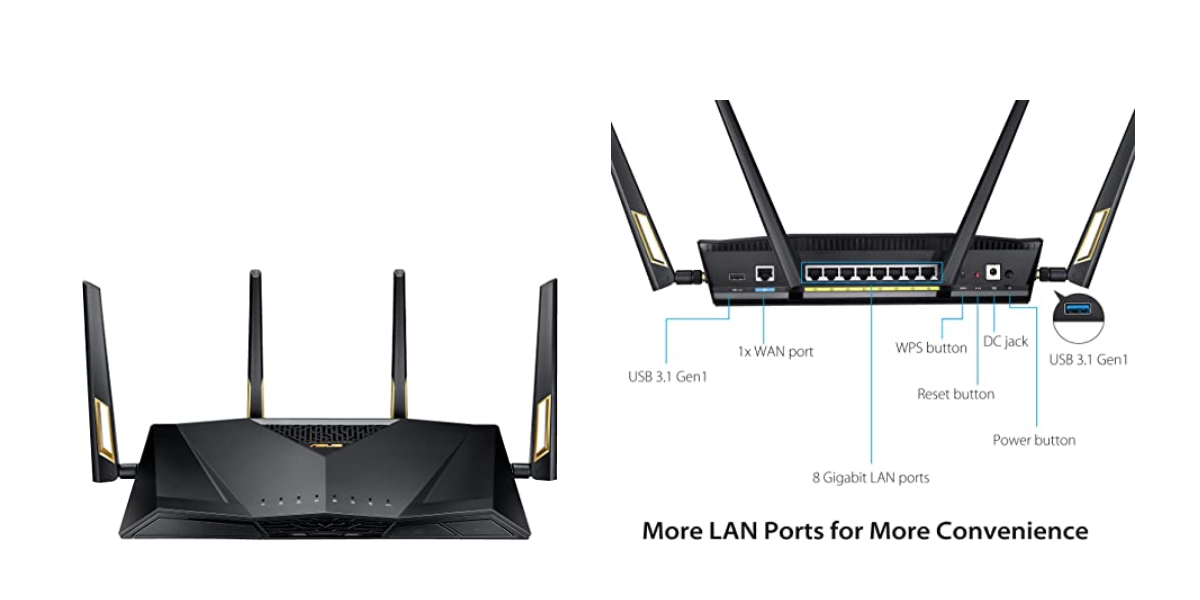
A Gigabit router with at least 5 LAN ports (need to be purchased separately).
Recommanded Router: ASUS AX6000 WiFi 6 Gaming Router (RT-AX88U)
Purchase link:https://www.amazon.com/ASUS-RT-AX88U-Extendable-Rangeboost-Subscription-Free/dp/B07HM6KJN8/
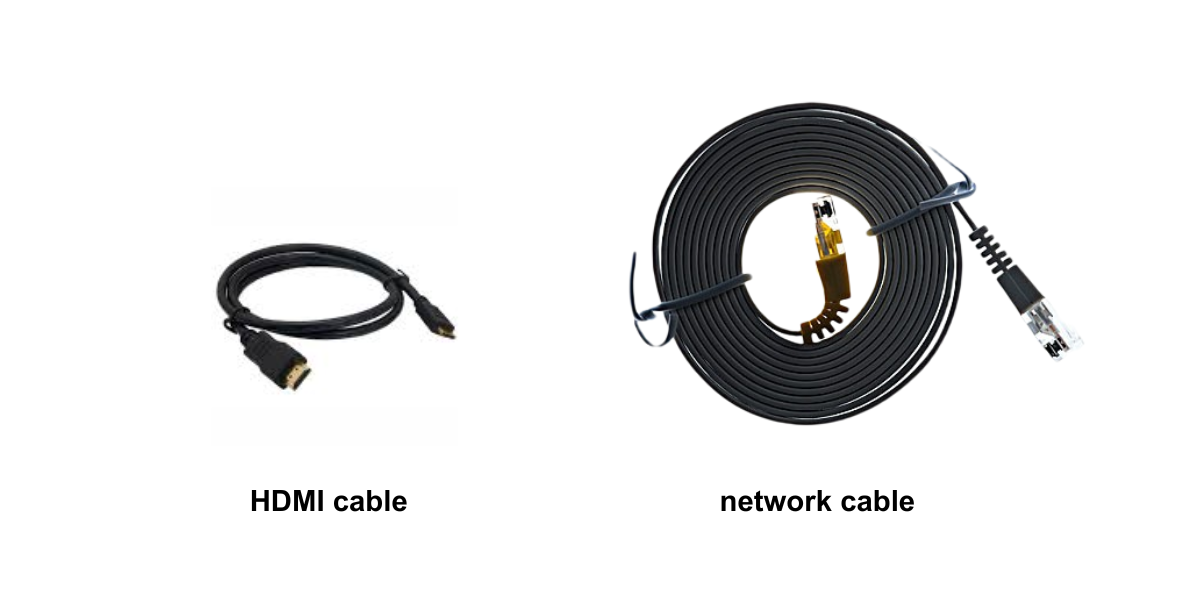
HDMI Cable x 1: to connect the screen
Network Cables(CAT-6):
1 cable for connecting the router to the Internet
1 cable for connecting the router to the host PC
2-4 cables for connecting the router and the Kandao Meeting Pro/S(depends on the number of meeting devices )