)
Kandao Meeting Omni
Step 1:
Connect all the devices to the power supply with their power cables.
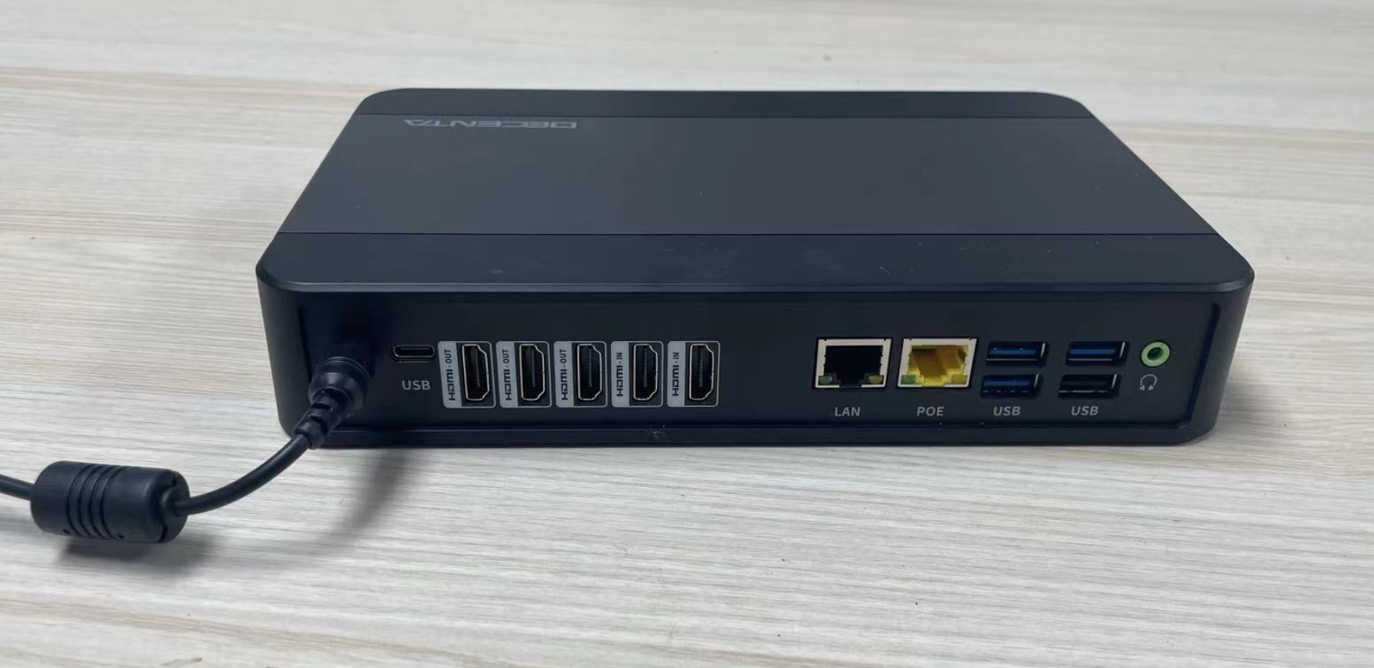
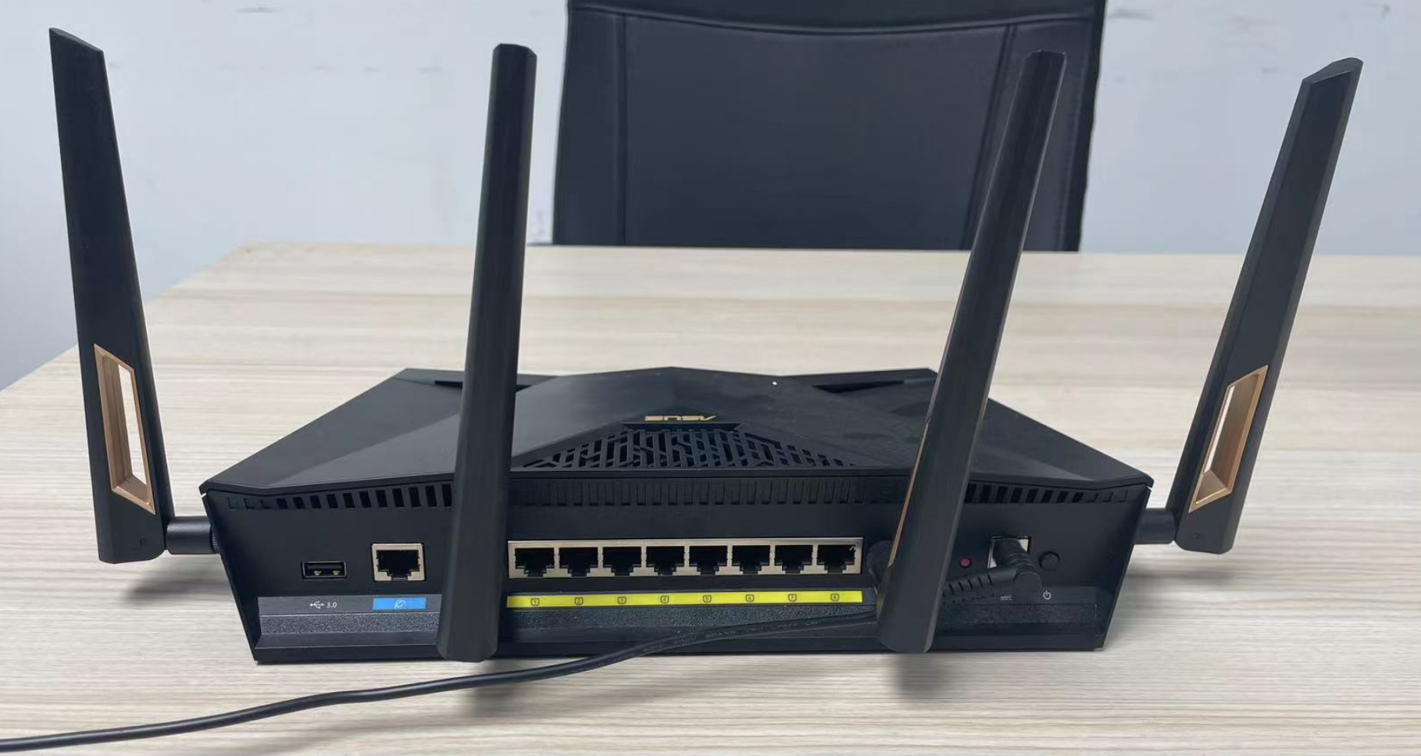
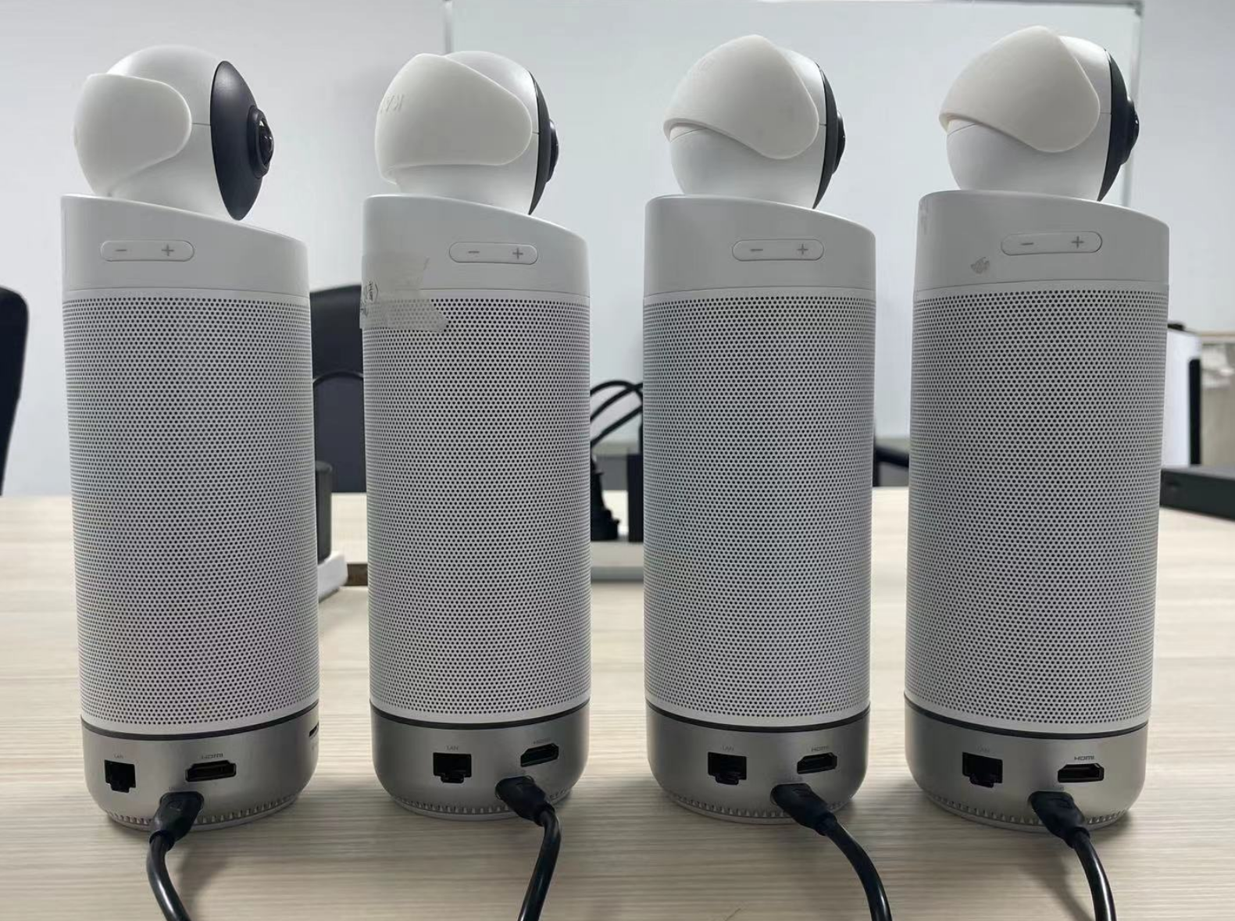
Step 2:
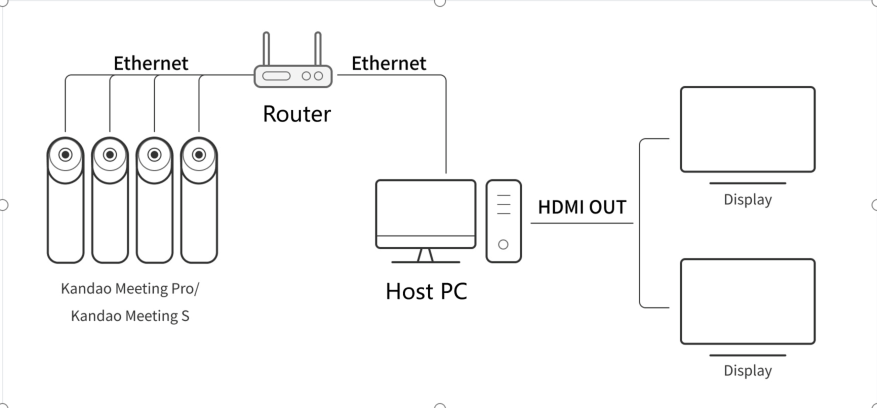
Connect the Router to the meeting cameras,the host PC,and the Internet.
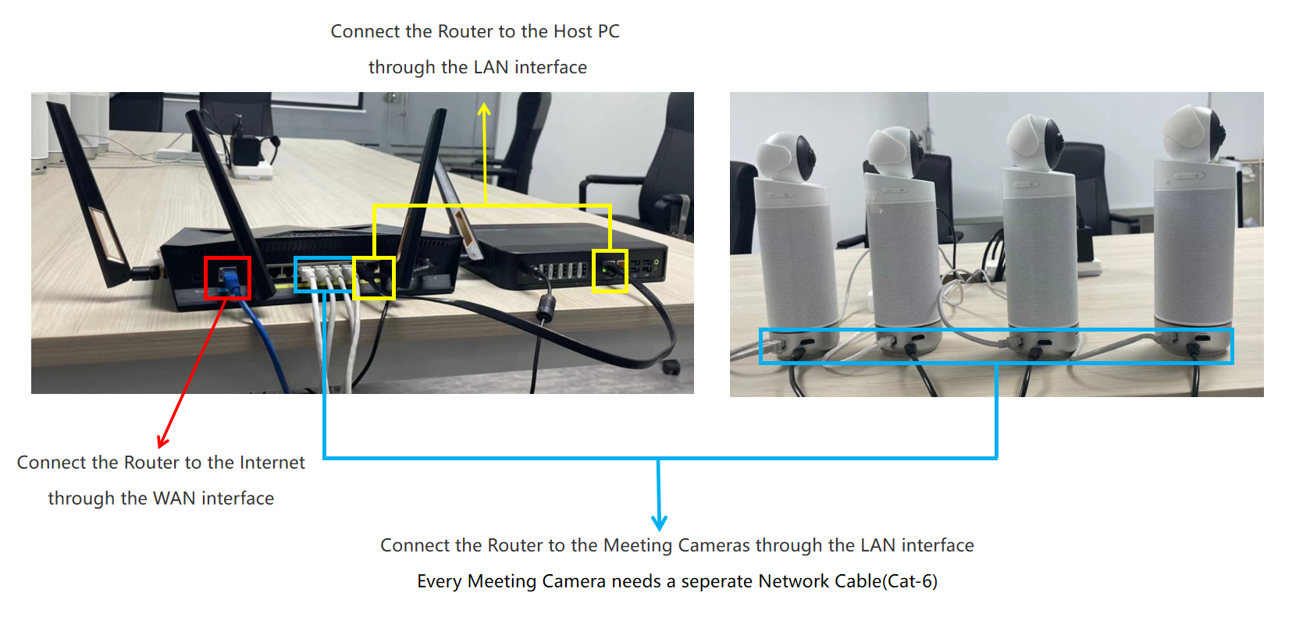
Step 3:
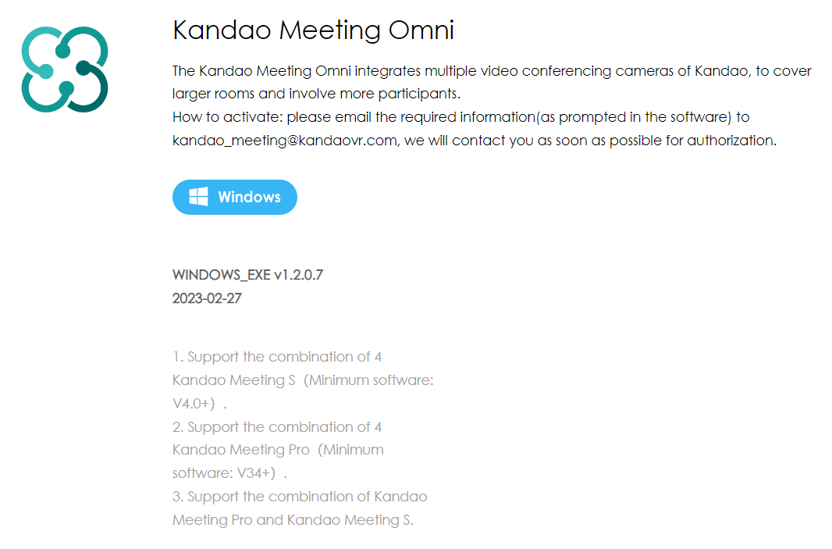
Turn On all the devices and download/install the [KanDao Meeting Omni]
Download Link: https://www.kandaovr.com/download/
Step 4: Software Activation
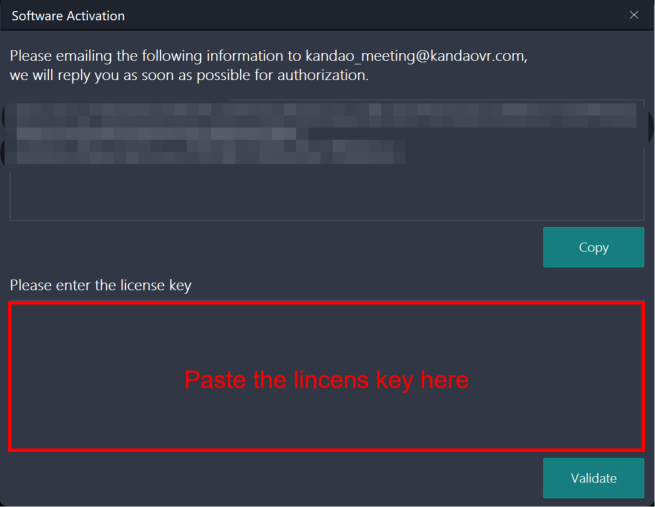
- When the Meeting Omni software starts for first-time, a pop-up will apear and require “Software Activation”.
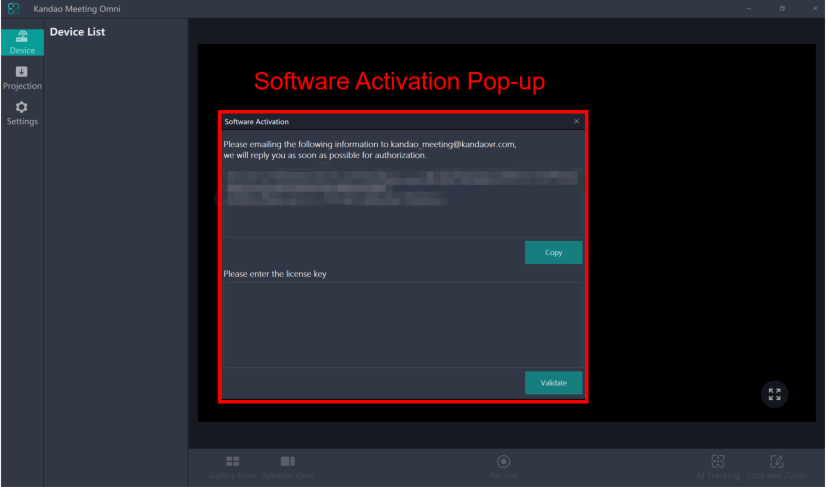
- Please copy the encryption information and email it to kandao_meeting@kandaovr.com.
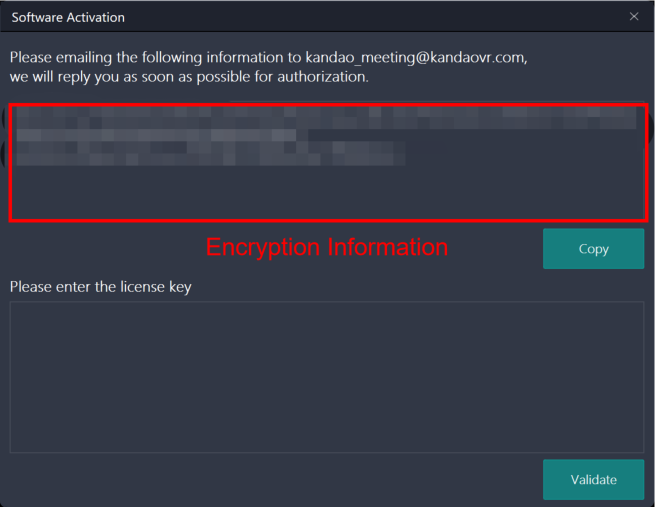
- After receiving the license key, please paste it into the corresponding area and click “Validate” to activate the software.
Step 5:Adding Devices
- Meeting Omni will automatically detect and list the available devices.
- Select up to 4 devices and press “Done” button.
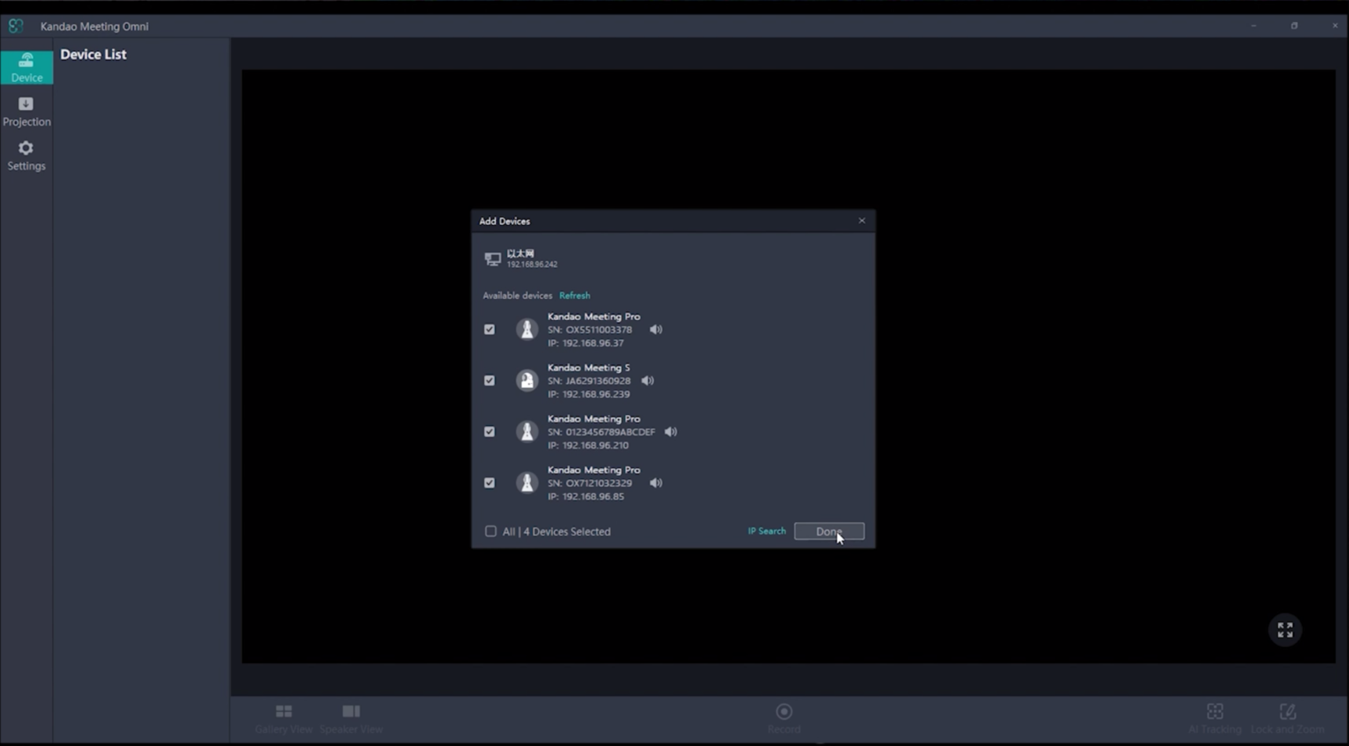
- The preview of Meeting Omni will be shown automatically on the screen. It means that the deployment of Meeting Omni succeeds.